
Are VPNs really safe, or are they selling users an illusion of online protection? This is one of the most important questions in today’s digital world.
Virtual Private Networks, commonly known as VPNs, are marketed as powerful privacy tools. They promise encrypted browsing, hidden IP addresses, safer public Wi-Fi, and protection from online surveillance. Many VPN companies present their services as if they can make users completely anonymous online.
However, the truth is more complicated.
VPNs can improve online privacy, but they are not magic invisibility tools. They protect some parts of your internet activity, but they do not protect everything. In some cases, users trust VPNs too much and ignore other serious privacy risks.
A VPN can be useful, but it should be understood correctly. It is one layer of protection, not a complete cybersecurity solution.
What Is a VPN?
A VPN is a tool that creates an encrypted connection between your device and a remote VPN server.
When you connect to a VPN, your internet traffic travels through that server before reaching websites or apps. This hides your real IP address from the websites you visit and makes it harder for your internet service provider, public Wi-Fi operators, or local network attackers to see your browsing activity.
For example, if you use public Wi-Fi in a hotel, airport, café, or college, a VPN can help protect your connection from basic snooping. It can also hide your browsing activity from your internet service provider. This is why many people use VPNs for privacy, security, and location masking. However, this does not mean VPNs make you fully anonymous.
How VPNs Protect You
VPNs offer real benefits when used properly. A good VPN can encrypt your traffic between your device and the VPN server. This makes it harder for attackers on public Wi-Fi networks to intercept your data.
A VPN can also hide your real IP address from websites. Instead of seeing your actual location-based IP address, websites see the IP address of the VPN server.
This can help reduce basic tracking and protect your location from some websites and services. VPNs can also help users access websites or services that may be blocked on certain local networks. In some cases, they can provide safer access when using untrusted internet connections.
Therefore, VPNs are not useless. They can improve privacy and security in specific situations.
What VPNs Do Not Protect
The biggest mistake people make is believing a VPN protects everything. A VPN does not stop websites from tracking you through cookies. It does not stop browser fingerprinting. It does not protect you if you log in to personal accounts. It does not stop malware if you download infected files. It does not prevent phishing attacks if you enter your password on a fake website.
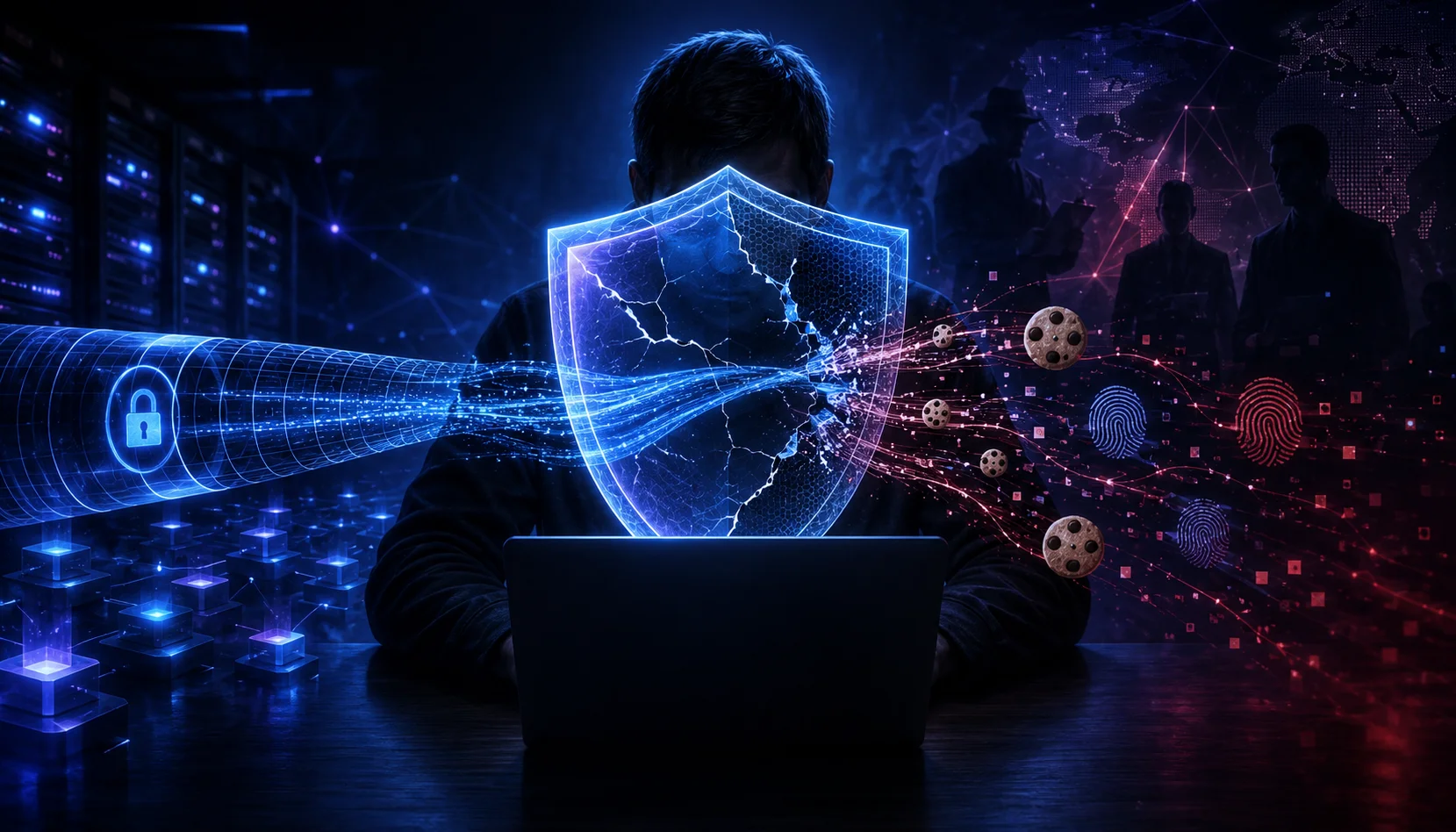
For example, if you log in to Google, Facebook, Instagram, Amazon, or your bank account while using a VPN, those platforms still know who you are. The VPN may hide your IP address, but your account login reveals your identity. This means VPNs reduce some visibility, but they do not erase your digital footprint.
The Trust Problem With VPN Providers
One of the most important issues with VPNs is trust. When you use a VPN, you are not removing trust from the internet. Instead, you are shifting trust from your internet service provider to the VPN company. Your ISP may no longer see the same level of browsing activity, but your VPN provider may be able to see metadata about your connection depending on how the service is designed.
That is why VPN provider selection matters. Many VPN companies claim they follow a “no-logs policy.” This means they say they do not store records of your browsing activity. However, users still need to trust that claim.
Some providers support their claims through independent audits, transparency reports, and privacy-friendly infrastructure. Others provide vague promises with little proof. This is where users must be careful. A VPN is only as trustworthy as the company operating it.
Free VPNs Can Be Risky
Free VPNs are often attractive because they promise privacy without cost. However, many free VPN services come with hidden risks. Running a VPN service costs money. Companies need servers, bandwidth, maintenance, developers, support teams, and security systems. If users are not paying with money, they may be paying with data, ads, tracking, or limited privacy. Some free VPNs may collect user activity, inject ads, sell metadata, or provide weak security. Others may have slow speeds, poor encryption, or unreliable privacy policies.
This does not mean every free VPN is dangerous, but users should be cautious. When privacy is the main goal, choosing an unknown free VPN can defeat the purpose of using one.
VPNs and the Illusion of Complete Anonymity
VPN marketing often creates the impression that users become invisible online. This is misleading. A VPN can hide your IP address, but it cannot hide everything about you. Websites and advertisers can still track users through:
- Cookies
- Browser fingerprinting
- Device information
- Account logins
- Payment details
- Location permissions
- Behaviour patterns
- Social media activity
- Search history inside logged-in accounts
For example, if you use a VPN but allow a website to access your location, the site may still know where you are. If you use the same browser profile with saved cookies, advertisers may still recognise you. As a result, VPNs should be seen as privacy-enhancing tools, not complete anonymity tools.
DNS Leaks, IP Leaks, and WebRTC Risks
VPNs can also fail through technical leaks. A DNS leak happens when your device sends website lookup requests outside the VPN tunnel. This can expose the websites you visit to your internet service provider or another DNS provider.
An IP leak happens when your real IP address becomes visible even while using a VPN. WebRTC leaks can also expose your real IP address through browser-based communication features. Good VPN apps usually include leak protection, kill switches, and secure DNS settings. However, users should still test their VPN connection from time to time. If a VPN leaks your real IP address, it may not be protecting you as well as you think.
VPN Jurisdiction Matters
Another important factor is jurisdiction. VPN companies must follow the laws of the country where they operate or are registered. Some countries have stronger privacy protections, while others may have data retention laws or government pressure.
This matters because legal requests can affect how VPN companies handle user data. Even if a VPN provider claims not to keep logs, its legal environment still matters. Users should understand where the company is based, what privacy policies it follows, and whether it has been audited. Privacy is not only a technical issue. It is also a legal and political issue.
When a VPN Is Actually Useful
VPNs are useful in many real-world situations. You may benefit from a VPN when:
- Using public Wi-Fi
- Hiding browsing activity from your ISP
- Reducing basic IP-based tracking
- Accessing work systems securely
- Protecting traffic on untrusted networks
- Avoiding local network monitoring
- Adding privacy when researching sensitive topics
- Connecting securely while travelling
In these cases, a VPN can provide meaningful protection. However, it should not be the only security tool you use.
When a VPN Is Not Enough
A VPN is not enough when the threat is more advanced. For example, a VPN will not protect you if your device has malware. It will not stop you from falling for phishing emails. It will not protect weak passwords. It will not secure your online accounts if you do not use multi-factor authentication. A VPN also will not stop a company from tracking your activity after you log in.
If you sign in to a platform, that platform can still connect your actions to your account. Therefore, VPN users still need strong cybersecurity habits.
How to Choose a Safer VPN
Choosing the right VPN is important. A safer VPN should offer:
- A clear no-logs policy
- Independent security audits
- Strong encryption
- Leak protection
- Kill switch support
- Secure DNS
- Transparent ownership
- Good reputation
- Privacy-friendly jurisdiction
- Regular security updates
- Clear pricing without shady free-data models
Users should also read privacy policies carefully. If a VPN company is unclear about what data it collects, that is a warning sign. The best VPN is not always the one with the loudest marketing. It is the one with the strongest privacy practices and transparency.
Better Privacy Requires More Than a VPN
True online privacy requires a layered approach. A VPN can be one layer, but users should also use other protections, such as:
- Strong passwords
- Multi-factor authentication
- Secure browsers
- Updated devices
- Anti-malware protection
- Careful app permissions
- Limited social media sharing
- Encrypted messaging apps
- Privacy-focused search engines
- Regular software updates
- Awareness of phishing scams
This layered approach is more realistic than depending on a VPN alone.
Are VPNs Really Safe?
So, are VPNs really safe? The answer is yes, but only within limits. VPNs are safe and useful when they come from trustworthy providers and are used for the right purpose. They can protect traffic on public Wi-Fi, hide your IP address from websites, and reduce certain types of tracking. However, VPNs do not provide complete anonymity. They do not erase your digital identity. They do not stop all tracking. They do not protect you from every cyber threat.
The real problem is not the VPN itself. The problem is misleading marketing that makes users believe a VPN is a total privacy shield. VPNs protect some things very well, but they do not protect everything.
Conclusion
VPNs can improve online privacy, but they are not magic tools. They encrypt your connection, hide your IP address, and reduce exposure on public or untrusted networks. However, they do not make you invisible online.
Websites can still track you through cookies, browser fingerprinting, and account logins. VPN providers also require trust because they become the new middle point between you and the internet.
Free VPNs may carry additional risks, and technical leaks can reduce protection if the VPN is poorly configured. Therefore, VPNs should be used as part of a broader cybersecurity strategy.
A good VPN can help protect your privacy, but real online safety also depends on secure browsers, strong passwords, multi-factor authentication, careful browsing habits, and awareness of how digital tracking works. VPNs are useful, but they are not the whole shield. They are only one layer.